1
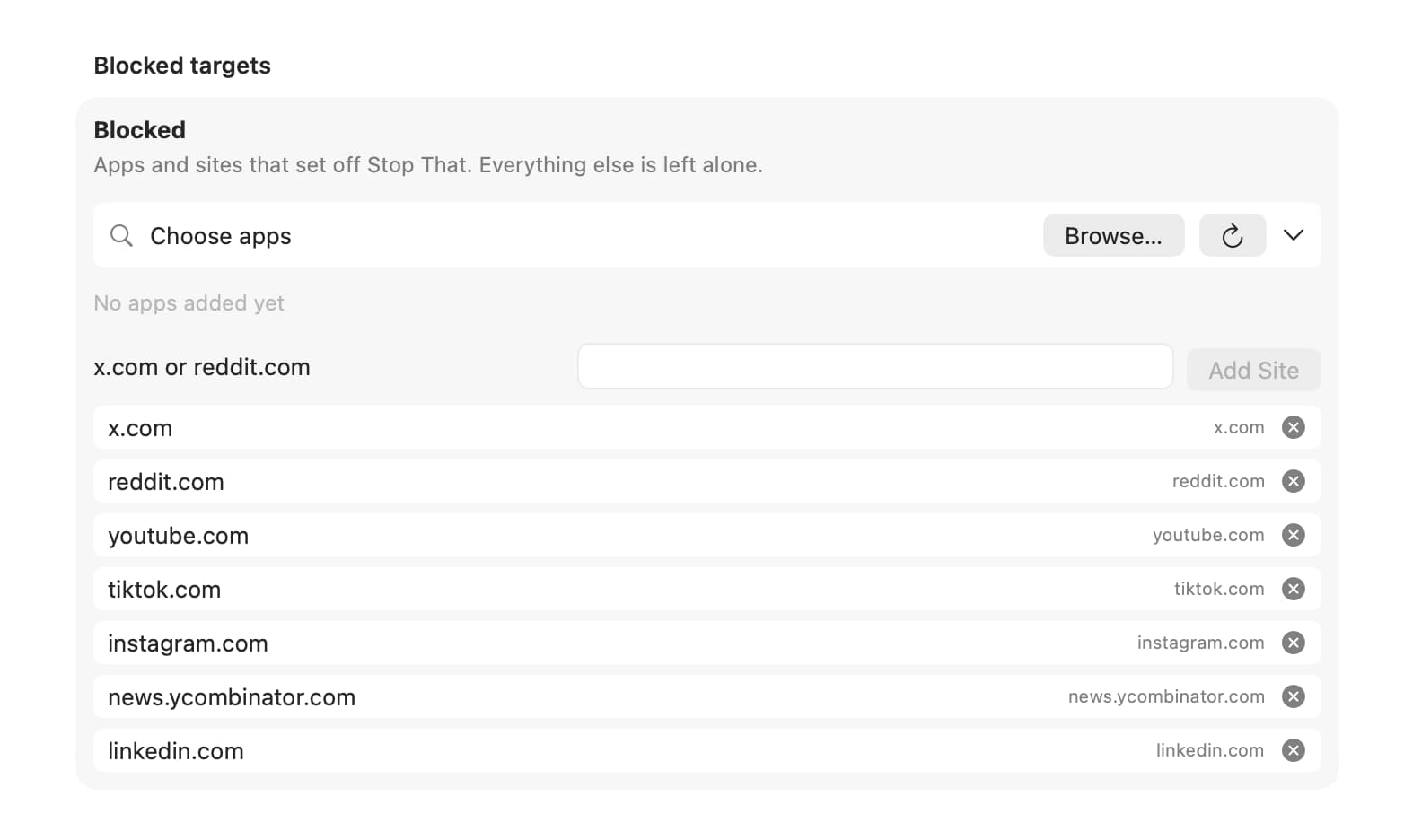
Mark the Bad Targets
Pick the apps and sites that derail you. Stop That watches locally from the menu bar. Nothing leaves your Mac.
You should be working. Stop That heckles you out of the scroll. Keep scrolling and it teleports you back to the work you chose.
14-day money-back guarantee, no questions, no hard feelings.
Also on iPhone. Get the iOS app →
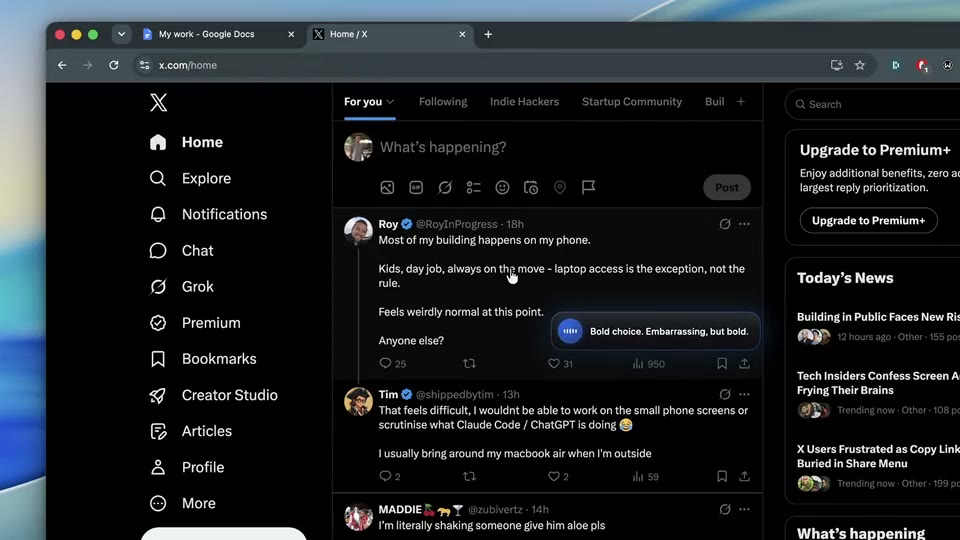
You already know this feeling
One tab. Then a stranger’s argument, a guy doing parkour, a recipe you’ll never cook. The doc is still one sentence long.
Blockers don’t work on you. They go quiet, you type the override password, everyone moves on.
Stop That doesn’t go quiet. It talks, it gets ruder, and if you keep scrolling it drags you back to work.
Pick the apps and sites that derail you. Stop That watches locally from the menu bar. Nothing leaves your Mac.
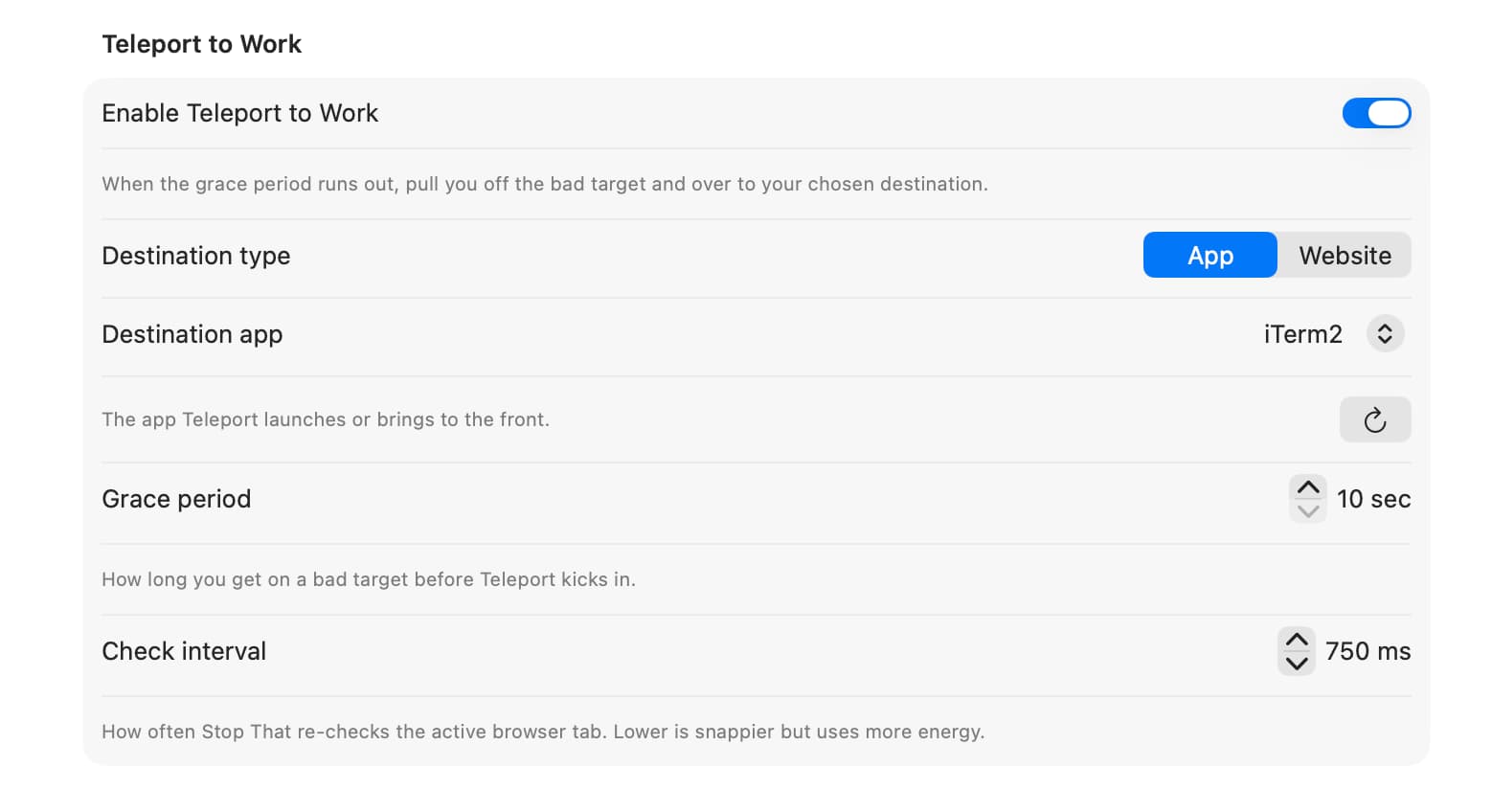
Choose the work app to land in and set your grace period. Ignore the warnings and Teleport to Work hauls you straight into it.
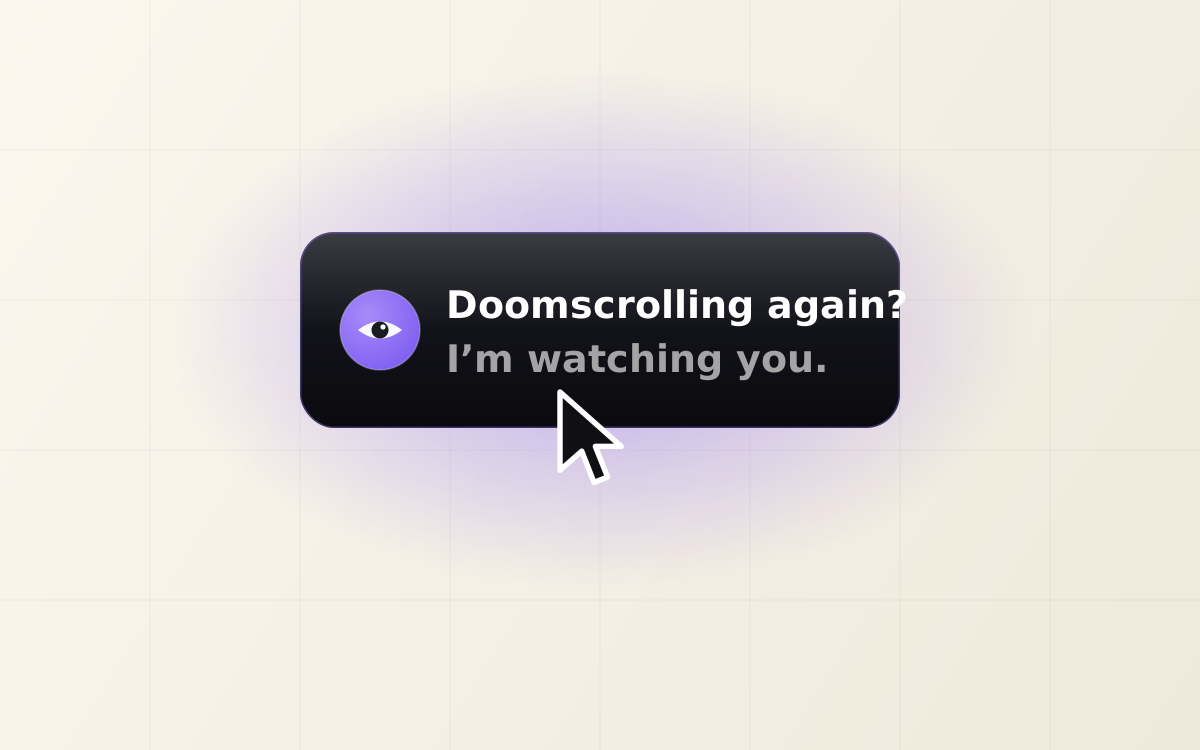
A bubble rides your cursor with escalating lines: quiet by default, voice when you’re alone. Ignore it and Teleport to Work takes over. The panic hotkey always gets you out.
One-time price, no subscription
Stop That runs entirely on your Mac, with no account, no cloud, and no recurring bill.
$29
Lifetime license for one device. Pay once, keep it forever.
Get it for $2914-day money-back guarantee
Running more than one Mac? Email us and we’ll sort you out.
Rolling out free to every lifetime license as it ships.
Questions, fair enough
No. A bubble rides your cursor and heckles, but it never moves or hijacks the pointer, never disables your keyboard, and never blocks app switching. The panic hotkey and Quit are always reachable.
When you ignore the warnings on a Bad Target, Stop That plays a short transition and launches or activates the work app you picked. It only sends you toward apps you chose, and it stops the instant you’re no longer on a Bad Target.
New installs default to Quiet: a text-only bubble, no sound. Switch to Loud for voice when you’re alone, or Redirect Only to skip the commentary entirely and get teleported.
No. Stop That runs entirely on your Mac. There’s no account and no cloud. It watches the frontmost app, and for supported browsers the active tab’s URL, all locally.
Accessibility, to detect the active app and run Teleport to Work, plus optional Automation for each browser you want URL checks on. Browser URL reads sometimes fail on first setup. The app degrades gracefully instead of crashing.
Yes. $29 buys a lifetime license for one Mac, with no subscription. Coming-soon features land free for existing licenses.
There’s a 14-day money-back guarantee. Email us within two weeks of buying and we’ll refund you in full, no questions, no hard feelings.
Last call before you scroll off
A one-time $29 price, no subscription, no account.
Get it for $29$29 lifetime license, 14-day money-back guarantee.
Doomscroll on your phone too? Stop That is also on iPhone →